Instructions
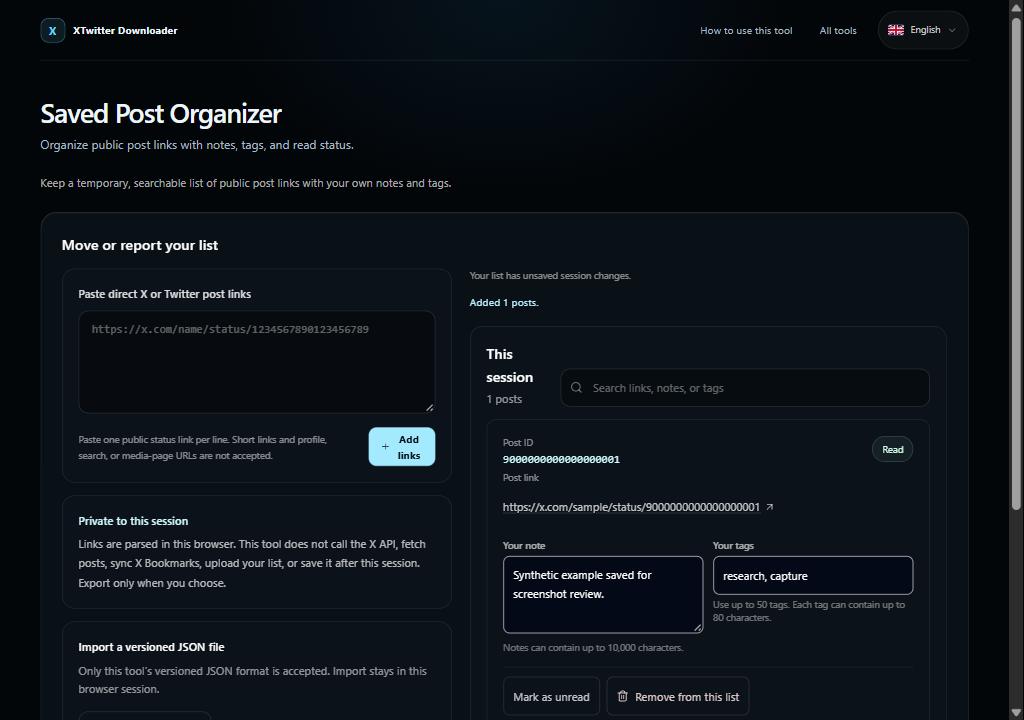
Paste one public x.com or twitter.com status URL per line. Direct links are parsed locally; short links are not followed.
Search the session list, add notes and comma-separated tags, and mark each post read or unread. Review every matching record before choosing merge, keep, or replace.
Use versioned JSON for exact import and export. CSV is a spreadsheet-safe viewing report and cannot be imported.
Limits and privacy
The list exists in page memory for this browser session only. This tool does not call the X API, fetch live posts, sync X Bookmarks, or upload your data. Export happens only when you choose.
Quick tip: Example: add https://x.com/example/status/1234567890123456789, write “Read before Friday”, and add the tag “research”. This post ID is illustrative.