X & Twitter video downloader
Download a video, GIF, image from a public X or Twitter post, free and without an account.
Download a video, GIF, image from a public X or Twitter post, free and without an account.
Quick links
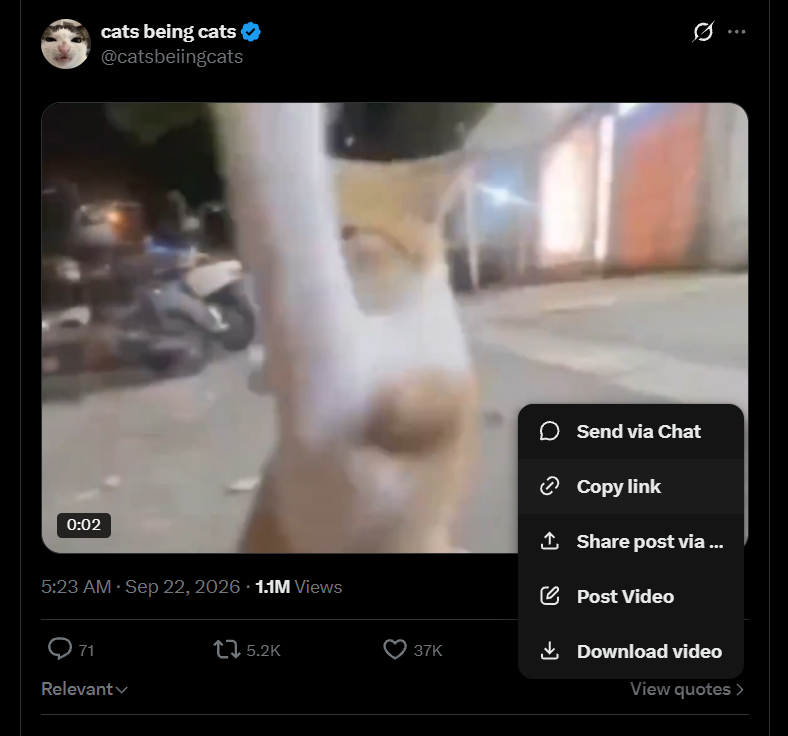
Open X or Twitter and copy a public post link.
Paste the link into XTwitter Downloader.
Choose a video quality, GIF (MP4), or available image format.
Click Download.
Clear by design
Use a public X or Twitter status URL containing supported video, GIF, or image media. Private and protected posts are not supported.
No. Do not enter an X password or upload private content. Only public post links are supported.
The download link expires after five minutes and is not stored as a permanent file.
Supported public posts may offer video, GIF, or images. Videos and GIFs download as MP4; images keep their available image format. Save and use media only when you have the right to do so.