Instructions
Choose a static JPEG, PNG, or WebP image. Animated images are not supported.
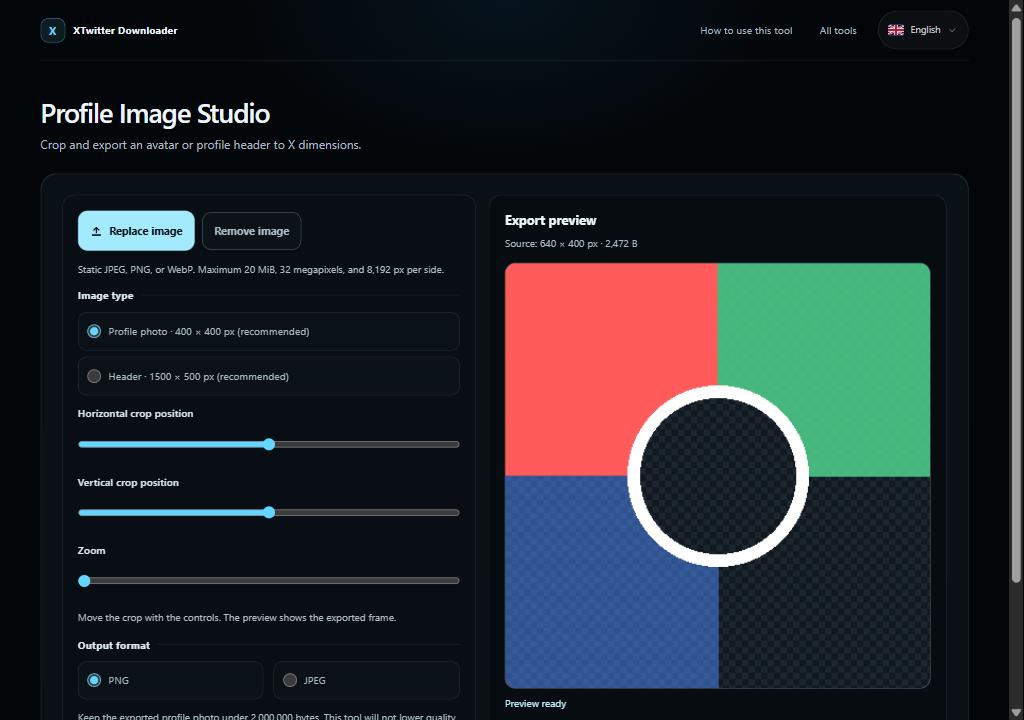
Choose a profile photo or header, adjust the crop and zoom, then select PNG or JPEG. For JPEG, choose the visible background and set its quality.
Check the export preview and download the result. A profile photo must be under 2,000,000 bytes; adjust settings yourself if it is too large.
Limits and privacy
Inputs are limited to 20 MiB, 32 megapixels, and 8,192 px per side. The recommended outputs are 400 × 400 px for a profile photo and 1500 × 500 px for a header. The header guide marks 60 px at the top and bottom; it is not an upload guarantee. This tool does not impose a file-size limit on header images. Processing stays in this browser; re-encoding may remove metadata such as EXIF.
Quick tip: Choose an image, adjust its crop, prepare it, then download. The header preview marks the suggested 60 px top and bottom crop areas.